
Our way
Compositive
Elm Street · Bethesda, MD · $1,350,000
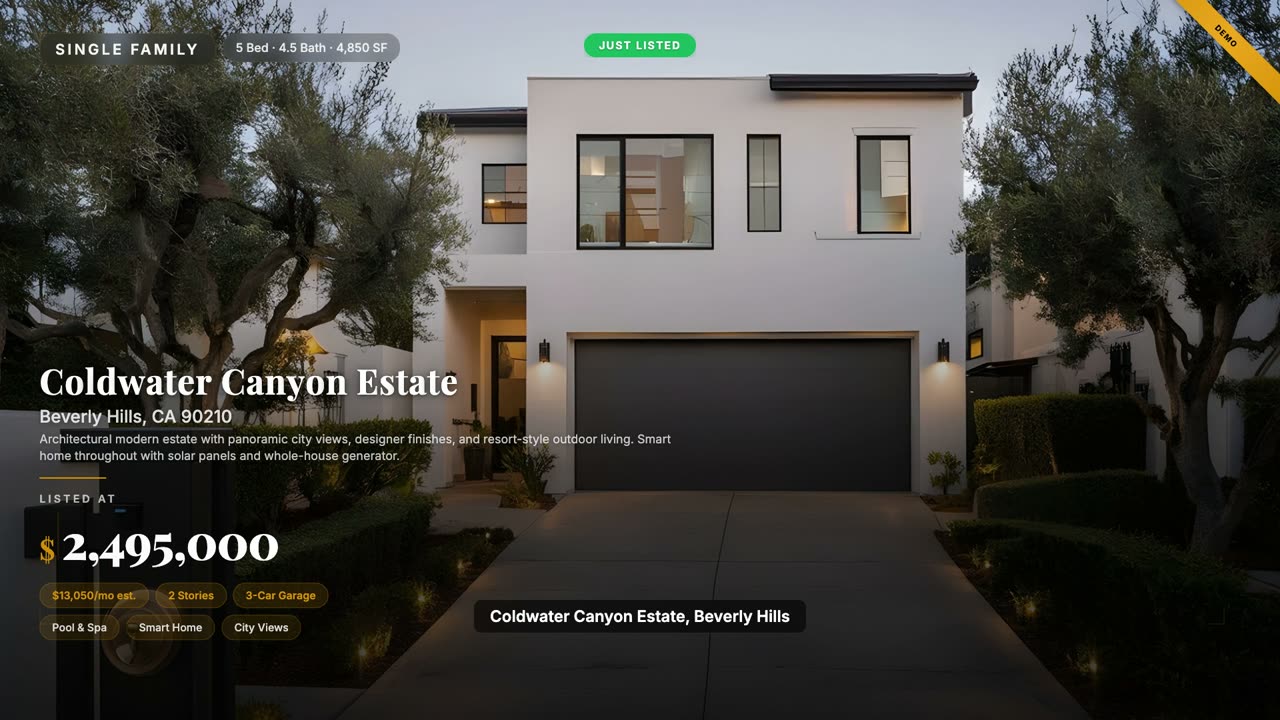
- Input
- Your photos · MLS data · public APIs
- Output
- Your property, composed frame by frame
- Hallucinations
- ZERO — every pixel traces to a source
Now in early access
We compose the property, the data, the neighborhood — frame by frame, from sources you can name. Watch a full sample listing in two and a half minutes.
First wave locks founder pricingNo card required
See the difference
Drag the slider. The same sample listing — raw listing photos on one side, the composed video with real neighborhood data on the other.
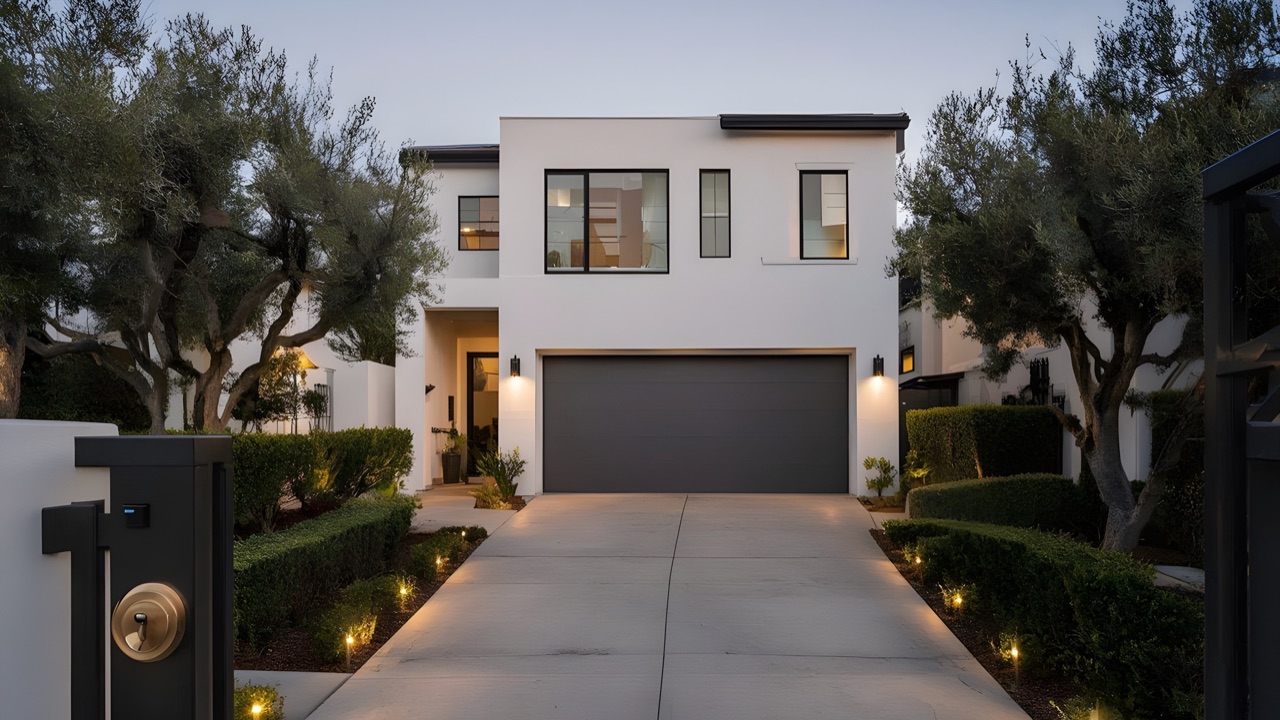 Exterior
 Great Room
 Kitchen
 Pool & Spa
6-stage render pipeline
One listing URL triggers a six-stage pipeline: depth maps, room classification, live data from public sources, scene composition, neural narration, and a cinematic render. Scroll to watch each stage — or tap a step to jump.
8 photos detected · per-room depth estimation
Building depth maps
Stage 1 of 6
DEPTH ✓DEPTH ✓DEPTH ✓DEPTH ✓Live preview — illustrative of a real processing run.
Six stages. About 90 seconds. Every time.
The moat
There are three ways to make a video of this home. The generative path: write a prompt, accept a plausible house the model invents. The slideshow path: crossfade your photos, no story. The compositive path — ours: bring real photos and real data, and the engine composes them into cinema, frame-accurate and source-cited.
Our way
Elm Street · Bethesda, MD · $1,350,000
The two other ways everyone settles for
Legacy
Generative AI
Determinism is the moat.Same input renders the same video — every render, every time.
Generative AI vs a real listing video — the full breakdown
Hiring a videographer vs a DIY listing video — cost and speed compared
The data layer, made visible
Every number you see was pulled live from a public source and composed into the cut — NCES school data, FEMA hazard ratings, EPA air quality, mortgage math, and OpenStreetMap places. Not invented. Sourced.
Composed from a real listing. No templates, no editing, no stock footage — paste a URL or drop your photos and the engine does the rest. This loop is muted — hear the narration in the full demo.
Join the first wave to lock founder pricing — your first listing video is $9, watermark-free, and you see it before you pay.
Built by Blue Snow Developers — an independent studio with multiple shipped, live products.
Or watch the full cut, compare the tiers & pricing, read how we handle your data, or meet the team building it.
Every figure, its receipt
We don’t generate video from prompts. We compose it from data you can audit. Here is each data scene at full size — exactly as it renders — beside the number it shows, the source it came from, and the math you can re-run. If the underlying data changes, the next render reflects it. That’s the contract.
6
Bethesda Elementary (K–5) · 645 students · 16.5:1 · 48% math, 52% reading · Bethesda-Chevy Chase High (9–12) · 2377 students · 16.7:1 · 71% math, 87% reading · Somerset Elementary (K–5) · 314 students · 15:1 · 43% math, 55% reading
Enrolment, grade span and pupil-teacher ratio come from the NCES Common Core of Data; the proficiency percentages are the state's own EDFacts assessment for 2020-21. We publish their fields — we do not score schools.
24.3 mi
24.3 mi sidewalk · 2.5 mi bike path · 4.3 mi trails, measured inside a 1 km radius
Every footway, cycleway and path in OpenStreetMap inside the radius, summed by haversine over the published node geometry. It is mapped ground, not an index — you can open the same map and re-measure it.
70
AQI 70 Moderate · main pollutant PM2.5 · observed at the nearest reporting area, with the observation time on screen
EPA's AirNow index for the nearest reporting area. The reading is stamped with its own observation time, because an air-quality number without a timestamp is a different claim than the one the EPA made.
2 min
Lidl 2 min · Bethesda station 3 min · Baltimore/Washington Intl Thurgood Marshall 49 min
Driving times are routed over the OpenStreetMap road graph, and highway distances are measured to the named interchange. No traffic model is claimed — it is the route, not a prediction of your Tuesday.
$6,948/mo
6.67% 30-yr fixed · $270K down (20%) · principal and interest only, and the scene says so
The 30-year fixed rate is Freddie Mac’s weekly survey as published on FRED; the payment is standard amortisation on the list price — arithmetic you can re-run, not an estimate we invented.
Very Low
Montgomery County, MD census tract · flood zone X, not in a FEMA Special Flood Hazard Area · FEMA National Risk Index · December 2025
FEMA’s National Risk Index, reported for the census tract and labelled as the tract’s figure — never the house’s. We use expected annual loss, not the composite risk rating, because the composite folds in social vulnerability.
31
10 categories — Restaurants, Grocery, Cafes, Bakeries, Parks, Recreation, Fitness, Culture, Shopping, Civic · 0.1–4.9 mi
Every place is an OpenStreetMap record and every distance is measured from the property’s own coordinates. The scene states its span rather than calling it "walking distance".
One render. Public data, credited on screen. Zero prompts.
What is in the film
Every beat below renders from your photographs or from data published about your address. A data beat is left out when its source cannot answer for that address — we would rather show you fourteen scenes than invent a fifteenth.
Watch the engine
Each template in the catalog audits a different power of the engine — luxury restraint, starter-home approachability, condo-tower modernism. Same deterministic pipeline. Same real-data contract. Pick one in the catalog and apply it to your next listing in one click.
A sample listing in Bethesda, Maryland. Real photographs, NCES school data, FEMA hazard ratings, real mortgage math, EPA air quality, and OpenStreetMap places and sidewalks. Composed end-to-end by the engine — same render every time.
Every tier includes the full template range — starter homes, condos, townhomes, multi-family and the luxury tier you just watched. See what each plan includes and pick the look that matches your brand.
The comparison
Four ways agents make listing videos in 2026 — and the one that composes real data, share pages, and lead capture into a single render.
Scroll right to compare →
| Feature | TargetVid | Template editors | Generative AI | AI avatar tools | Videographer |
|---|---|---|---|---|---|
| Real neighborhood data scenesSchools, flood risk, air quality, walkability, mortgage, commute — animated in-video | |||||
| Live public-API data layerNCES, FEMA, EPA, FRED, OpenStreetMap, OpenMapTiles — each figure credited to its publisher | Every figure credited | ||||
| Paste a listing URL → videoAutomated photo extraction, data enrichment, scene composition | |||||
| Your own photographs · nothing generatedCompositive rendering — no AI-invented rooms, furniture, or geometry | |||||
| Interactive share page + lead captureBranded landing page per video, viewer analytics, lead forms | |||||
| Synthesized narration + captionsNeural narration with word-level captions and music ducking | Manual | ||||
| Cinematic depth parallaxDepth-mapped parallax gives still photographs real camera motion | Filmed | ||||
| Deterministic — same render every timeFrame-accurate, reproducible output; re-render reflects updated data | |||||
| Time to finished video | < 5 min | 20–30 min | 15–60 min | ~10 min | 3–7 days |
| Typical price | From $9 / video | ~$15 / mo | ~$19–49 / mo | ~$24–89 / mo | $150–600 / shoot |
Generative AI
Invented rooms & warped geometry
Fully AI-generated imagery fabricates fixtures and spaces that aren’t in the real home — a buyer-trust and disclosure risk.
AI avatar tools
A talking head, not the home
Avatar-first tools center a presenter, with no neighborhood data layer and no per-listing share funnel.
Hiring a videographer
Days of turnaround, hundreds a shoot
Beautiful footage, but slow and costly per listing — and still no animated data scenes.
A comparison of the common approaches to making a listing video. Typical times and prices reflect general market rates as of May 2026, not any one product.
Who it’s for
Solo agent
Listing video is the asset most agents skip — too much time, too much edit cost. We turn the listing you already have into the video you didn’t have time to make, in about 90 seconds, from photos you already shot.
Built for the agent who shoots their own photos and posts their own listings.
Brokerage owner
Most listings still go to market without video. The agents who do post video keep showing up first in the feed. We give your brokerage the production pipeline that scales — same template, every agent, every listing.
One template, every agent. Designed for brokerage rollout in 2026 H2.
Photography vendor
You’re already at the property with photos. We turn those photos into a cinematic listing video — same trip, additional line item, zero added shoot time.
Add-on pricing $99-$249 typical. Adjust per market.
The platform
We built the compositive engine for real estate because that’s where the data is richest and the inquiry math is clearest. The engine doesn’t know it’s a real-estate engine. Any vertical with structured data composes on the same rails — one week of templates, not one year of engineering.
Listing videos with schools, hazards, air quality and walkability.
Rate-environment + monthly-cost breakdowns for loan officers.
Obituary tribute videos composed from photos + life dates.
New-inventory cinematic walkarounds from photos + spec data.
Multi-agent team licensing on the same render pipeline.
Your vertical, on the same engine. Tell us what data you have.
Don’t see your vertical? Tell us. The engine ports in a week. The waitlist remembers.
FAQ
Last updated: 2026-05-14.
First wave
Real-estate agents go first. Mortgage, auto, and memorial follow. Drop your email — we send one note the day your wave opens.
First video $9, then pay per video — no subscription. No card required for early access.
Open for calls
Baljeet built this. He is taking calls directly — no sales team, no discovery-call funnel, no one reading a script. Bring a listing you are stuck on and you will leave knowing whether we can do anything with it.